iPhone Duplicate Photos
Delete duplicate photos on iPhone in under a minute
To delete duplicate photos on iPhone, open Photos → Albums → Utilities → Duplicates and tap Merge. That free iOS tool catches pixel-perfect copies only. For near-duplicates, burst sequences, and re-saved chat photos — usually the larger share of the waste — you need a scanner that compares images rather than files. AiCleanerPro does that on-device in about 30 seconds, with nothing uploaded.
Two ways to do it
Free & limited, or thorough & automatic
Both work. Pick based on how big your library is and how many near-duplicates you actually have.
iOS Built-In Duplicates Album
Free · Limited- —Photos → Albums → Utilities → Duplicates
- —Only detects pixel-perfect exact copies
- —Misses near-duplicates, burst shots, and chat re-saves
- —Fine for small, well-managed libraries
AiCleanerPro (AI-Powered)
Free to start- —Finds exact AND near-duplicate photos
- —Catches burst sequences and similar shots too
- —100% on-device — photos never leave your iPhone
- —Swipe to review, delete in one tap
Step by step
Delete duplicates automatically, in 4 steps
Download AiCleanerPro
Get it free from the App Store. No account required — the first 3 scans are free.
Tap Scan
On-device AI analyzes your entire photo library in about 30 seconds. Nothing uploads anywhere.
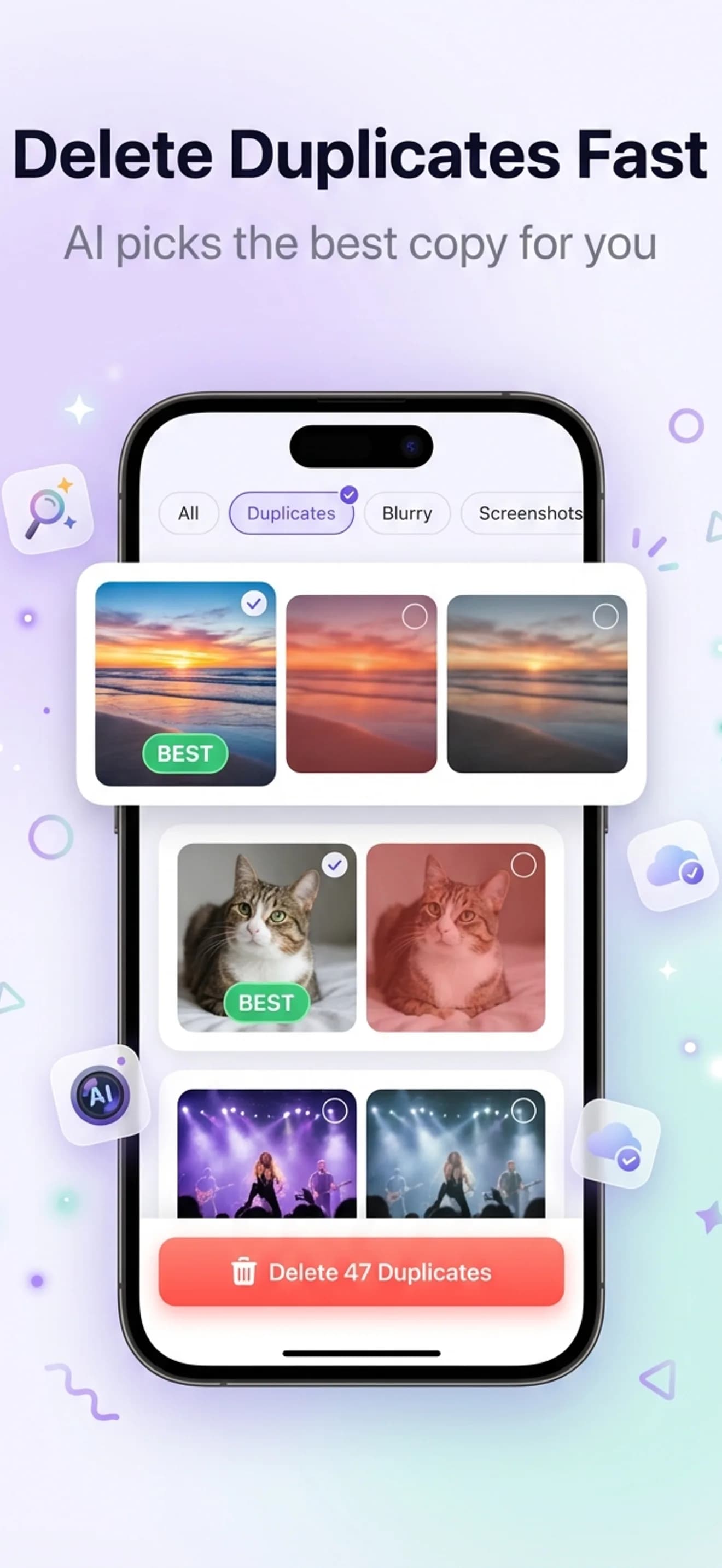
Open Duplicates
Duplicate and near-duplicate photos are grouped together, each with a recommended best pick highlighted.
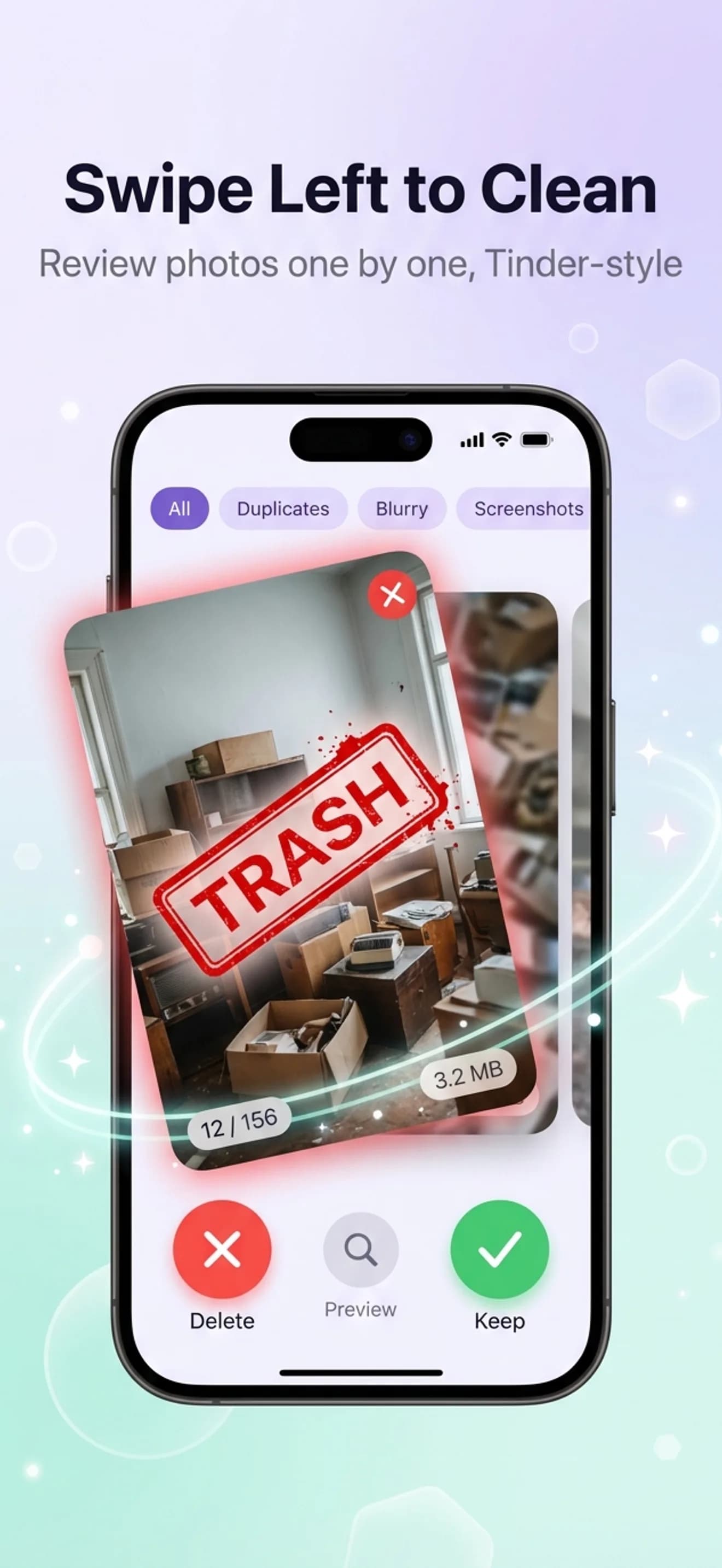
Swipe to delete
Swipe left to delete, right to keep — or bulk-select all duplicates at once. Deleted photos sit in a 30-day recycle bin.
Method 1 · Free
The iOS Duplicates album, step by step
Apple added a duplicate finder to Photos in iOS 16. It is free, it runs on-device, and it is the right first pass on any library. Here is exactly how to use it — and where it stops.
Open the Duplicates album
Photos → Albums tab → scroll to the bottom → Utilities → Duplicates. If the row is missing, your iPhone is on iOS 15 or earlier, or the library has not finished indexing.
Review each group
Each row shows a set of identical photos with a Merge button. Tap a group to see the individual copies and their dates before merging.
Merge, don't delete
Merge keeps the highest quality version plus the combined metadata (favourites, edits, keywords) and moves the rest to Recently Deleted. Select All → Merge handles the whole album at once.
Empty Recently Deleted
Albums → Recently Deleted → Select → Delete All. Until you do this, the merged copies still occupy storage for up to 30 days.
Where the native tool stops
Apple compares files, not images. Two photos taken a second apart, the same shot re-saved from WhatsApp at a different compression level, or ten frames of one burst are all distinct files, so none of them appear in the Duplicates album. In our 12,000-photo benchmark the Duplicates album surfaced 1.4 GB while the widest-coverage scanner surfaced 8.6 GB on the same library. The gap was almost entirely near-duplicates, chat saves, screenshots, and blurry frames.
If the Duplicates album is empty or missing
Check the iOS version first — the album only exists on iOS 16 and later. If you are on iOS 16+ and the row still is not there, detection has not finished: Apple runs it in the background, only while the iPhone is locked and charging, and a large library can take several days after an update. Leave the phone on charge overnight and check again. An album that appears but is empty usually means your library has no pixel-perfect copies, which is common — it does not mean your library is clean.
What happens with iCloud Photos
If iCloud Photos is on, deletions sync. Merging or deleting a duplicate on the iPhone removes it from every signed-in device and from iCloud, which frees iCloud quota as well as device storage. It lands in Recently Deleted for 30 days on all of them, so nothing is irreversible during that window. One caveat: with Optimize iPhone Storage enabled, much of your library is already stored as smaller previews on-device, so clearing duplicates frees less local space than the file sizes suggest — the iCloud saving is the real one.
Side by side
iOS Duplicates vs. AI scan vs. doing it by hand
What each approach actually catches on a typical library.
| What it catches | iOS Duplicates | AiCleanerPro | Manual sorting |
|---|---|---|---|
| Exact, pixel-perfect duplicates | Yes | Yes | Yes, if you spot them |
| Near-duplicates (same moment, different frame) | No | Yes | Slow |
| Burst sequences | No | Yes | Slow |
| Re-saved chat photos (compressed copies) | No | Yes | Very slow |
| Blurry frames alongside duplicates | No | Yes | Slow |
| Keeps the best copy automatically | Yes (Merge) | Yes (recommended keeper) | Your call |
| Time on a 10,000-photo library | 5–15 min | ~30 s scan + review | Hours |
| Cost | Free, built in | 3 free scans, then $4.99/mo | Free |
The pragmatic routine is both, in order: run the free Duplicates album to clear exact copies, then run a scanner to catch the near-duplicates it structurally cannot see. If your photos also live in Google Photos, that library needs its own pass — duplicates there survive an iPhone cleanup, and our guide to finding duplicates in Google Photos covers it.
Go deeper
More on cleaning up your iPhone
Delete similar photos on iPhone
The near-identical shots and burst frames iOS never groups.
The complete duplicate-removal guide
Every method compared, including manual sorting and prevention tips.
How to free up iPhone storage (full guide)
7 proven ways to reclaim storage — duplicates are just the start.
AiCleanerPro vs. other cleaner apps
Named competitors, verified pricing, and what each one actually catches.
FAQ
Duplicate photo questions, answered
How do I delete duplicate photos on my iPhone for free?
Open Photos → Albums → scroll to Utilities → Duplicates. This built-in iOS feature (iOS 16+) groups exact duplicate photos and lets you tap Merge to keep the best version. It's free but only catches pixel-perfect copies — near-duplicates and burst shots won't show up here.
Why doesn't the iOS Duplicates album catch all my duplicates?
Apple's built-in tool uses simple file comparison, so it only flags exact, pixel-perfect copies. Photos taken a second apart, saved twice from WhatsApp with different compression, or burst shots of the same moment won't be grouped — even though they're functionally duplicates wasting the same storage.
Is it safe to delete duplicate photos on iPhone?
Yes. Removing a duplicate doesn't affect the original photo. AiCleanerPro always keeps the highest-quality version and only suggests the extras for deletion, and everything deleted goes to your Recently Deleted album for 30 days before it's gone for good.
How much storage will I get back by deleting duplicates?
Duplicate photos are typically 3–8 MB each on a modern iPhone with HEIC compression. Most users recover 1.5–4 GB by clearing 300–500 duplicates in a single pass, and heavy WhatsApp or burst-shot users often see more.
Will deleting duplicates on my iPhone also remove them from iCloud?
Yes, if you use iCloud Photos. Deleting a photo on your iPhone removes it from iCloud too (after syncing), which frees up iCloud storage as well as device storage. It stays in Recently Deleted on both for 30 days.
Why is my iPhone Duplicates album empty?
Three common reasons. The album only appears on iOS 16 and later, so check Settings → General → About for your version. Detection also runs in the background and only while the iPhone is locked and charging, so a large library can take several days after an update before anything shows. Finally, if iCloud Photos is still syncing or the album genuinely holds no pixel-perfect copies, the row disappears entirely — near-duplicates and burst shots never populate it by design.
What is the difference between duplicate and similar photos?
A duplicate is byte-for-byte or pixel-for-pixel the same image, usually created by saving a photo twice, importing the same file, or re-downloading from a chat. A similar photo is a different shot of the same subject taken seconds apart — a burst, a retake, a slightly different framing. iOS only groups the first kind. Similar photos are usually the larger share of wasted space because you rarely need more than one frame from a set.
Does deleting duplicates free up space immediately?
No. Deleted photos move to Recently Deleted and keep occupying storage for up to 30 days. To reclaim the space now, go to Photos → Albums → Recently Deleted → Select → Delete All. iPhone Storage in Settings can also take a few minutes to recalculate afterwards.
Can I recover a duplicate I deleted by mistake?
Yes. Anything deleted on iPhone sits in Recently Deleted for 30 days and can be restored with two taps. AiCleanerPro adds its own 30-day recycle bin on top of that, so a cleanup pass is reversible on both layers.
Stop scrolling. Start swiping.
Free to scan. First 3 cleanups are free. 30-day recycle bin so nothing's gone until you say so.