Similar Photos on iPhone
Delete similar photos on iPhone
iPhone cannot find similar photos on its own. The Duplicates album added in iOS 16 compares files, so it groups exact copies and nothing else — retakes, burst frames, and near-identical shots stay invisible. Clearing them needs an app that compares what the images contain. AiCleanerPro does that on-device in about 30 seconds and marks a recommended keeper for each group.
The reason it is hard
iOS compares files. Similar photos are different files.
Every one of these wastes the same storage. Only the first is something iOS can see.
| Type | What it is | iOS Duplicates album | Typical size |
|---|---|---|---|
| Exact duplicate | The same file twice — a re-import, a second save, an AirDrop copy. | Found by the Duplicates album | ~1.4 GB on a 12,000-item library |
| Near-identical shot | Two frames of the same moment, seconds apart, slightly different framing. | Not found — different files | ~3.1 GB on the same library |
| Burst sequence | Ten to thirty frames captured in one press, one of which you want. | Not found — kept as a stack, not flagged | Counted within similar shots |
| Re-saved chat photo | The same image saved from WhatsApp at a different compression level. | Not found — different bytes | ~2.2 GB on the same library |
The size figures come from our own controlled test on an untouched 12,148-item library — the full benchmark has the per-app results. The pattern holds across libraries: similar shots outweigh exact duplicates, usually by more than two to one.
Step by step
Clear similar photos in four steps
Scan the library
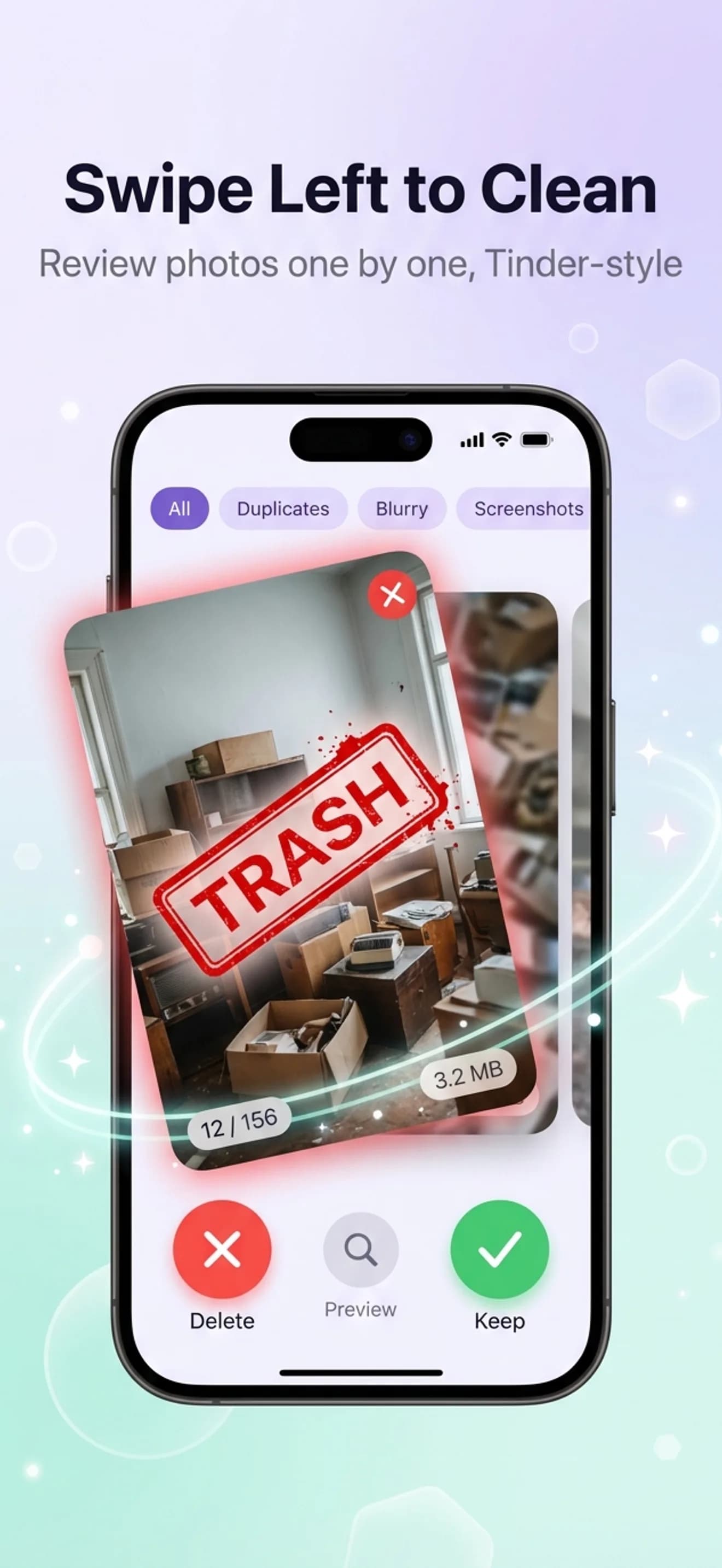
Open AiCleanerPro and tap Scan. On-device AI compares images rather than files, so it groups shots that look alike even when the bytes differ. About 30 seconds for a typical library.
Open Similar Photos
Each cluster holds one moment: the retakes, the burst frames, the near-misses. A recommended keeper is marked based on sharpness and framing.
Keep one, clear the rest
Accept the suggested keeper or pick your own, then delete the cluster in one action. Roughly three seconds per group rather than three minutes of pinch-zoom comparison.
Empty Recently Deleted
Photos → Albums → Recently Deleted → Select → Delete All. Until you do this, the space is not actually returned — deleted photos are held for 30 days.
Doing it without an app
It is possible, and it is slow. Open Photos, switch to the Days or All Photos view, and look for runs of thumbnails that repeat — event photography and burst shooting produce visible blocks of near-identical frames. Tap Select and sweep your finger across the run to select it, then keep one and delete the rest.
For bursts specifically, iOS does help: open a burst, tap Select, choose the frames worth keeping, tap Done, and pick Keep Only Favourites. That discards the rest of the sequence. It works well, one burst at a time.
The reason people give up is arithmetic. A library with 400 similar-photo clusters is 400 rounds of comparing, choosing, and selecting. Clustering does the finding; you still make every keep-or-delete decision, but on groups rather than on individual files.
If you shoot professionally
A portrait session produces dozens of frames per pose and none of them are duplicates in any technical sense. The pre-cull — kill the blurry frames, keep the sharpest frame per cluster — is what gets a thousand-frame shoot down to a workable shortlist before it reaches Lightroom. The creator workflow page covers that pass, and the photographer culling guide walks through a full shoot day.
Go deeper
More on cleaning up your photo library
FAQ
Similar photo questions, answered
Can iPhone find similar photos automatically?
Not on its own. The Duplicates album added in iOS 16 only groups exact, pixel-perfect copies, because it compares files rather than images. Two shots of the same moment taken a second apart are different files, so iOS never groups them. Finding similar photos requires an app that compares visual content.
What is the difference between duplicate and similar photos?
A duplicate is the same image stored twice. A similar photo is a different image of the same subject — a retake, a burst frame, a slightly different angle. Duplicates are usually the smaller category: in our 12,000-photo benchmark, exact duplicates were about 1.4 GB while near-identical shots were about 3.1 GB.
How do I delete burst photos on iPhone?
iOS keeps a burst as a stack: open the photo, tap Select, choose the frames you want to keep, and tap Done, then choose Keep Only Favourites to discard the rest. That works one burst at a time. An app that clusters similar photos handles every burst in the library in a single pass instead.
How much storage do similar photos take up?
More than exact duplicates in most libraries. On the 12,148-item library we benchmarked, near-identical shots accounted for roughly 3.1 GB against 1.4 GB of exact duplicates. Burst shooting and event photography push the share higher.
Is it safe to delete similar photos?
Yes, provided you review the keeper in each group rather than accepting everything blindly. Deletions go to the iOS Recently Deleted album for 30 days, and AiCleanerPro adds its own 30-day recycle bin on top, so a cleanup pass is reversible on both layers.
Keep the best shot. Lose the other nine.
Free to scan. First 3 cleanups are free. 30-day recycle bin so nothing's gone until you say so.